 SnapPose
You take a selfie, and the face in it is slightly off: the nose a little large, the forehead a little wide, the ears missing. Nothing is wrong with your face. The problem is how close the phone is, and the fix is mostly about putting more space between you and the lens.
Why close selfies distort
A phone’s front camera is a wide lens, and wide lenses exaggerate whatever is closest to them. At arm’s length, your nose is noticeably nearer to the lens than your ears, so it looks bigger in proportion. Hold the phone farther away and that difference shrinks.
You cannot lengthen your arm, but you can change the setup. Everything below is a way of getting more distance.
Use the rear camera when it matters
The rear camera is usually sharper than the front one and often has a slightly longer view, which is kinder to faces. The catch is that you cannot see the screen. Three simple workarounds:
- Use the volume button or the timer so you do not need to touch the screen.
- Turn on the grid, and line up your head with the intersecting lines before you step in.
- Take a test shot and check where your head landed.
For a quick photo with a friend, the rear camera and a straight arm beats the front camera held close.
Prop the phone and let the timer work
The best fix is to take your hands out of it. Lean the phone against a bag, a water bottle, a wall or a bench, then set the timer to ten seconds and step back a few paces.
- Height: place the phone at about chest or eye level so you are not looking up at it.
- Distance: stand far enough that the lens sees you from head to waist.
- Burst: many phones keep shooting in a series; take several and pick the best.
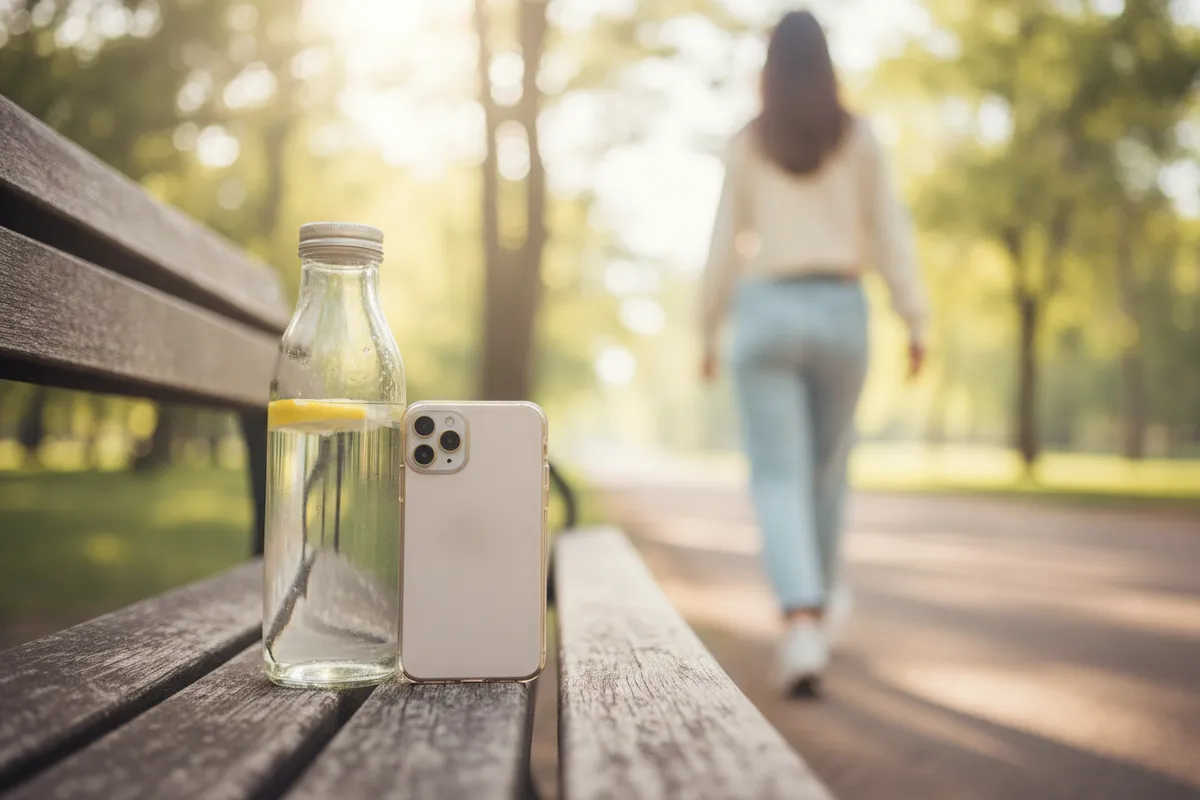
Because you are further away, your face keeps its proportions, and your arms are free to do something natural. You can also fit in more of the place, which is why you travelled there.
Find your angle
Angles do more than people expect. A phone held below the chin looks up your nose and makes the jaw heavy; a phone held very high makes the eyes look large and the forehead dominant.
- Aim the lens at about eye level or slightly above.
- Tilt your chin a little down and push your forehead toward the lens, which tightens the line under your jaw.
- Turn your body a quarter turn from the lens and bring your face back toward it.
Small adjustments matter. Try three heights and compare them side by side in the gallery.

Light the face, not the background
A selfie lives or dies by where the light falls. Face a window or step into open shade, as described in fix bad light in a portrait by turning. Standing with the sun behind you leaves your face dark and the sky white, because the phone exposes for the bright area.
If you must shoot against the sun, tap your face on screen first so the phone exposes for you rather than the sky.
Group selfies need a different grip
With two or three people, the usual problem is that someone gets cut off at the edge. Hold the phone slightly higher than the tallest face, and have the person at the far side lean in until their head is closer to the middle than they think is needed.
Shorter people go in front, taller people behind. Tell everyone to look at the lens, not at the screen, because the screen sits a little below it and everyone appears to be looking down. Then count out loud: “one, two, three” gives people a shared moment to smile, and you can take two or three more in a row without fuss.
Clean the lens and check before you leave
Front cameras collect fingerprints. Wipe the lens with your sleeve or a soft cloth before you shoot. A smudge makes every selfie look hazy, and many people never realise it.
Then check what you took. Zoom into the eyes. Are they open and sharp? Is the background clean, with no pole growing out of your head? Retake while you are still at the spot.
For a selfie with the background blur, portrait mode can help, but give it distance and clean edges first.
A quick checklist
- Hold the phone farther away, or prop it and use the timer.
- Use the rear camera for sharper photos, with the volume button.
- Keep the lens at eye level or slightly above.
- Turn your body a quarter turn, face back to the lens.
- Face the light; tap on your face to set exposure.
- Wipe the lens before every session.
- Zoom in on the preview and retake right away.